

Check a track before you release it
How it works
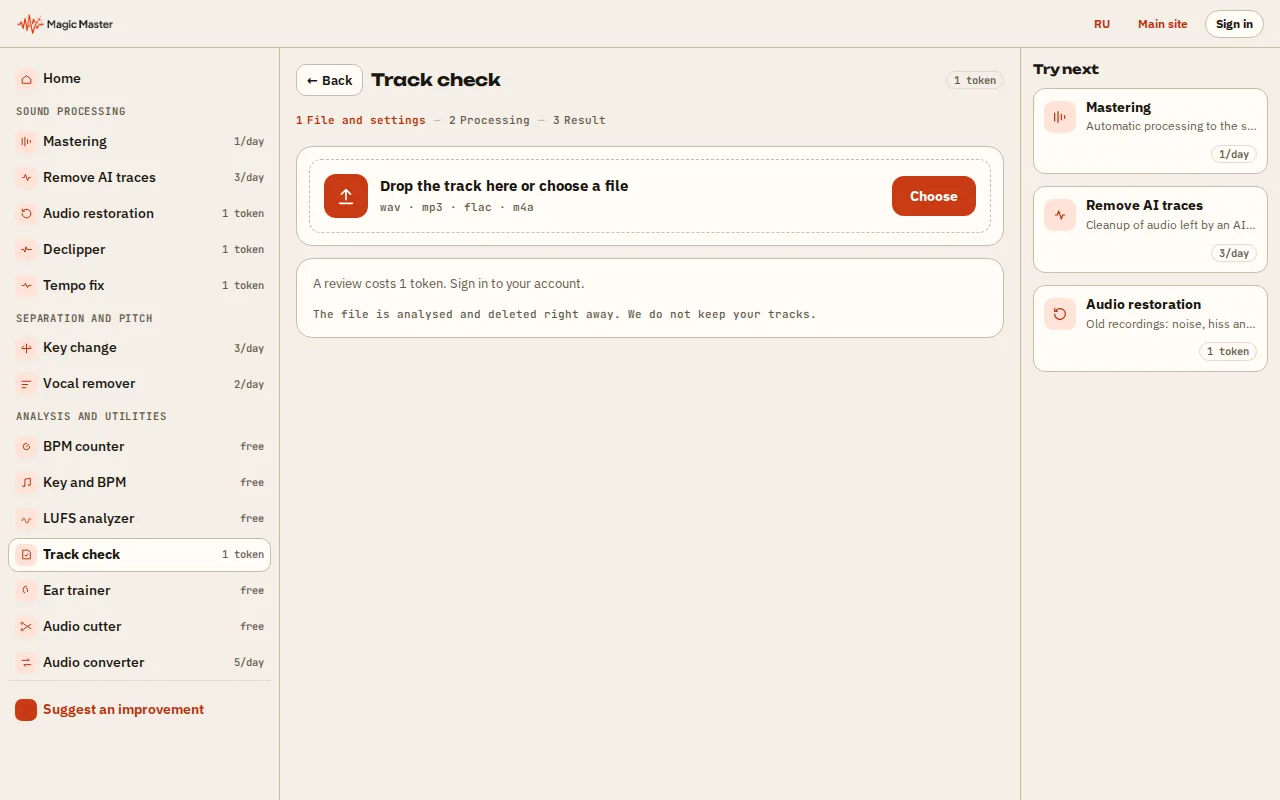
1. Choose a track: WAV, MP3 or FLAC up to 100 MB. 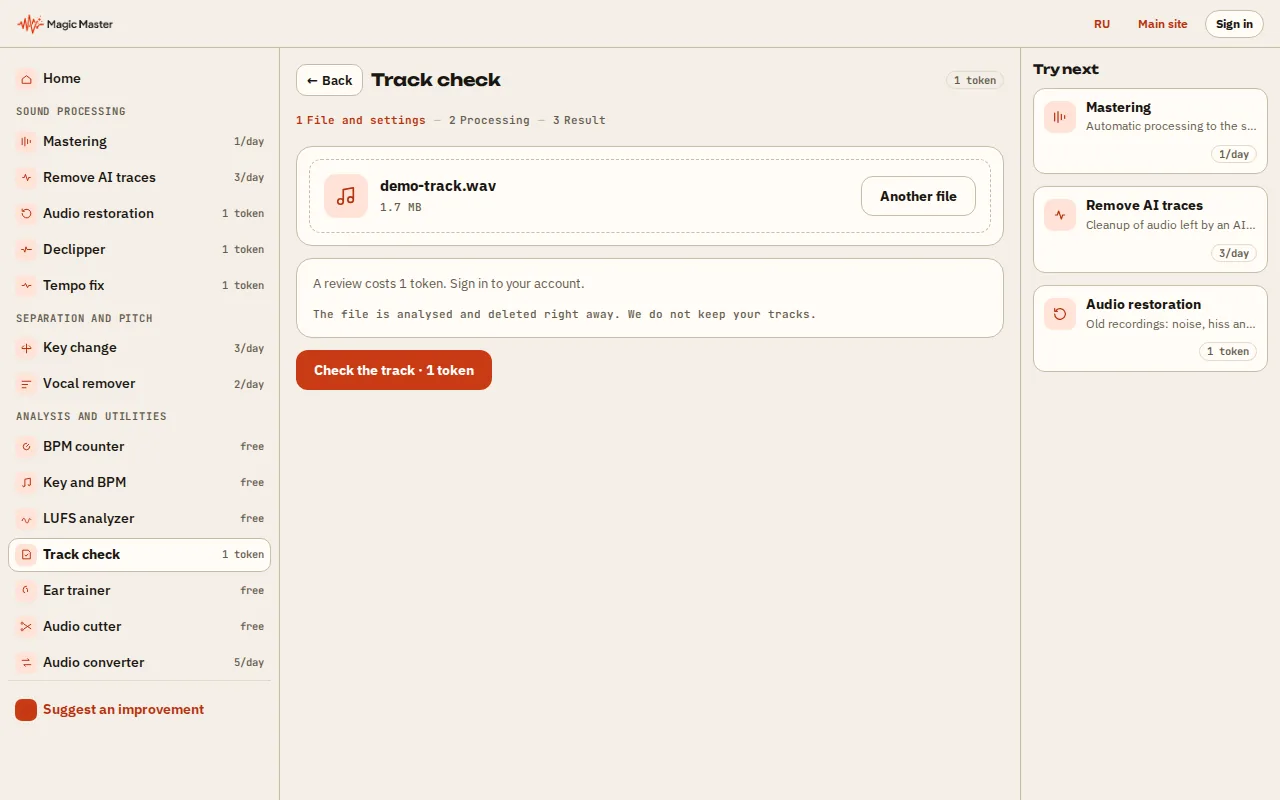
2. Wait for the review: loudness, peaks and dynamics. 3. Read the advice on what to fix before release. 4. Master the track or compare it with a reference.


What you get: A track review with clear advice before release.
Upload a track. The check measures loudness, true peak, dynamics and stereo on the file itself, and returns a short verdict with the recommendations that matter for that track.
The track check is available after you sign in. One credit is charged for a finished check; if the check fails, nothing is charged.
Verdict
Recommendations
What the check looks at
The check reads the integrated loudness in LUFS, the true peak in dBTP, the loudness range and the stereo balance of the file. From these numbers it writes a short verdict and a few recommendations, such as turning the level down before a streaming upload, fixing a peak that will be clipped by the platform, or widening a narrow mix.
The recommendations describe the file. They do not change it: to fix the track, use the lab, or one of the single-purpose tools such as the LUFS checker.
Questions
How much does a track check cost?
One credit per finished check, for signed-in accounts only. Nothing is charged if the check fails.
Is my track published?
No. The track is analysed on our server for the check and is not published anywhere.
Which files can I upload?
WAV, MP3 and FLAC files up to 100 MB.