

Audio cutter: trim a song online
How it works
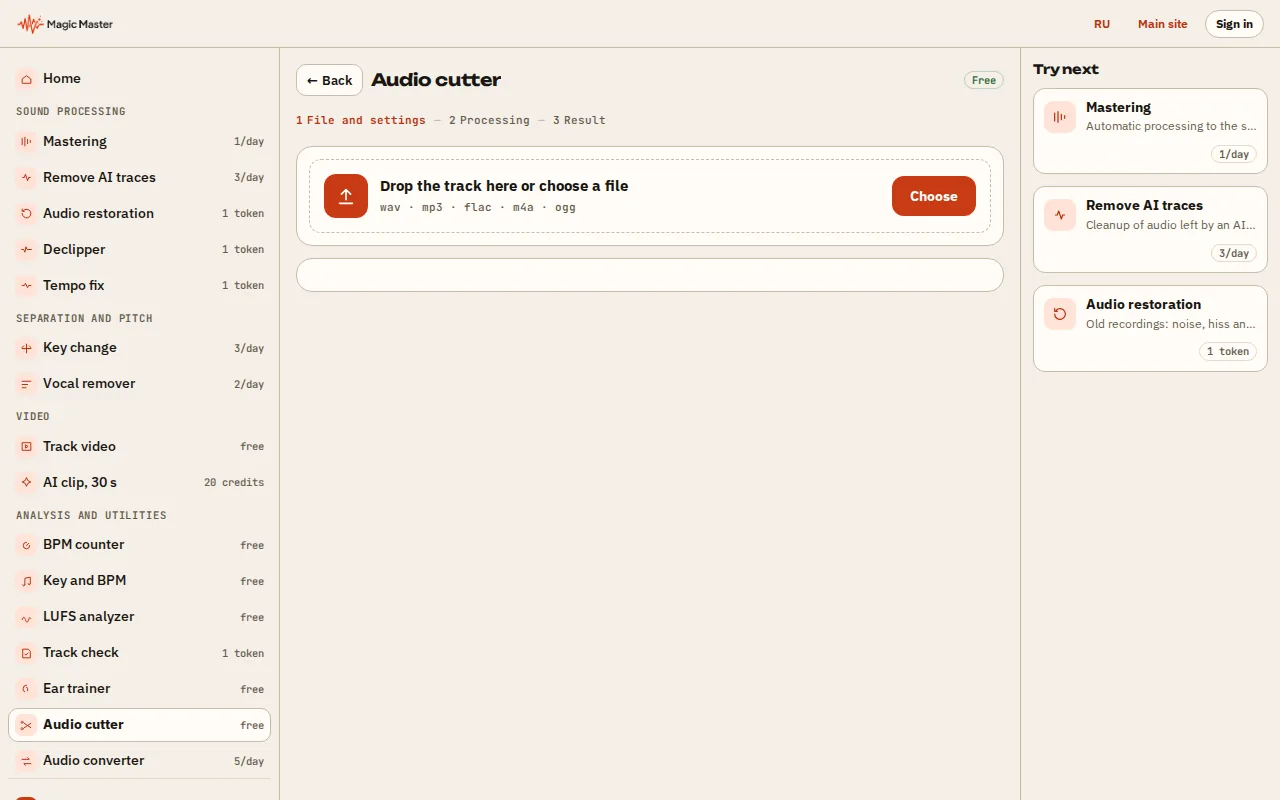
1. Choose a song: WAV, MP3, FLAC, OGG or M4A. 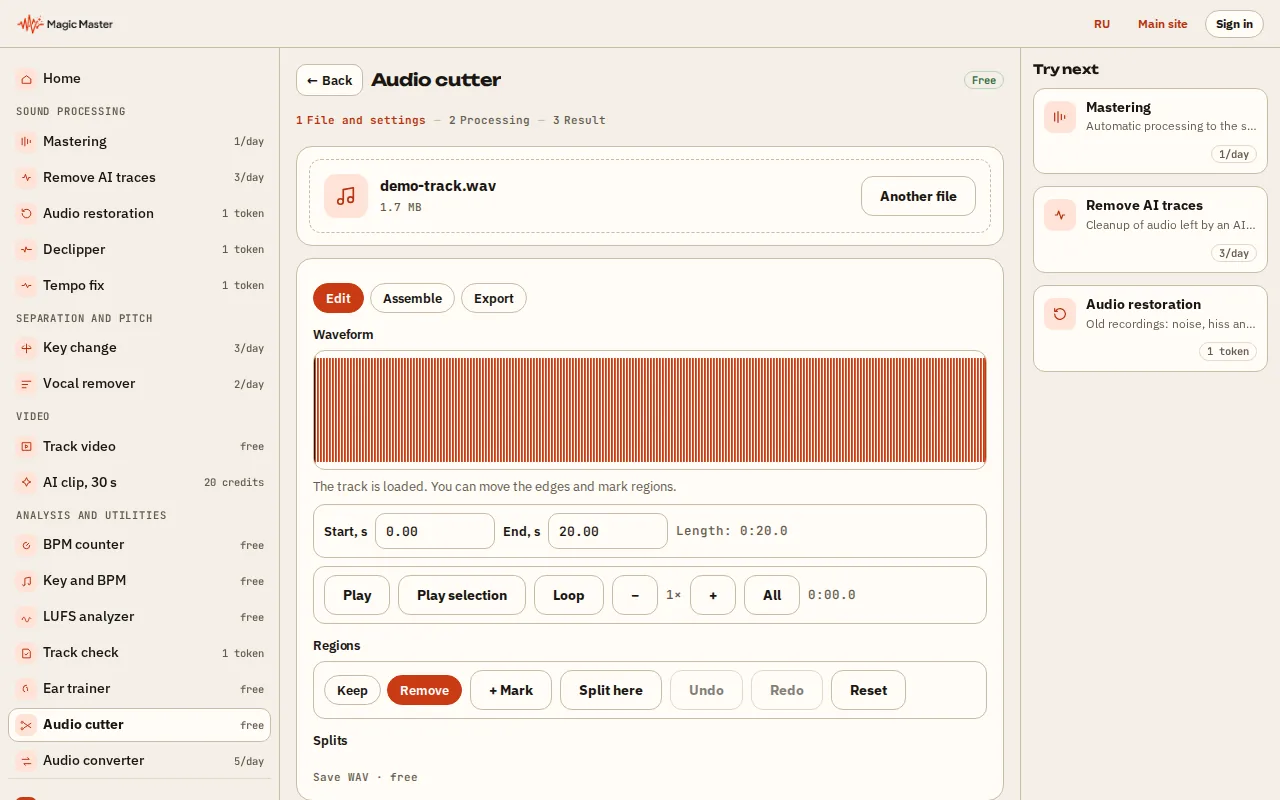
2. Mark the start and end of the fragment on the waveform. 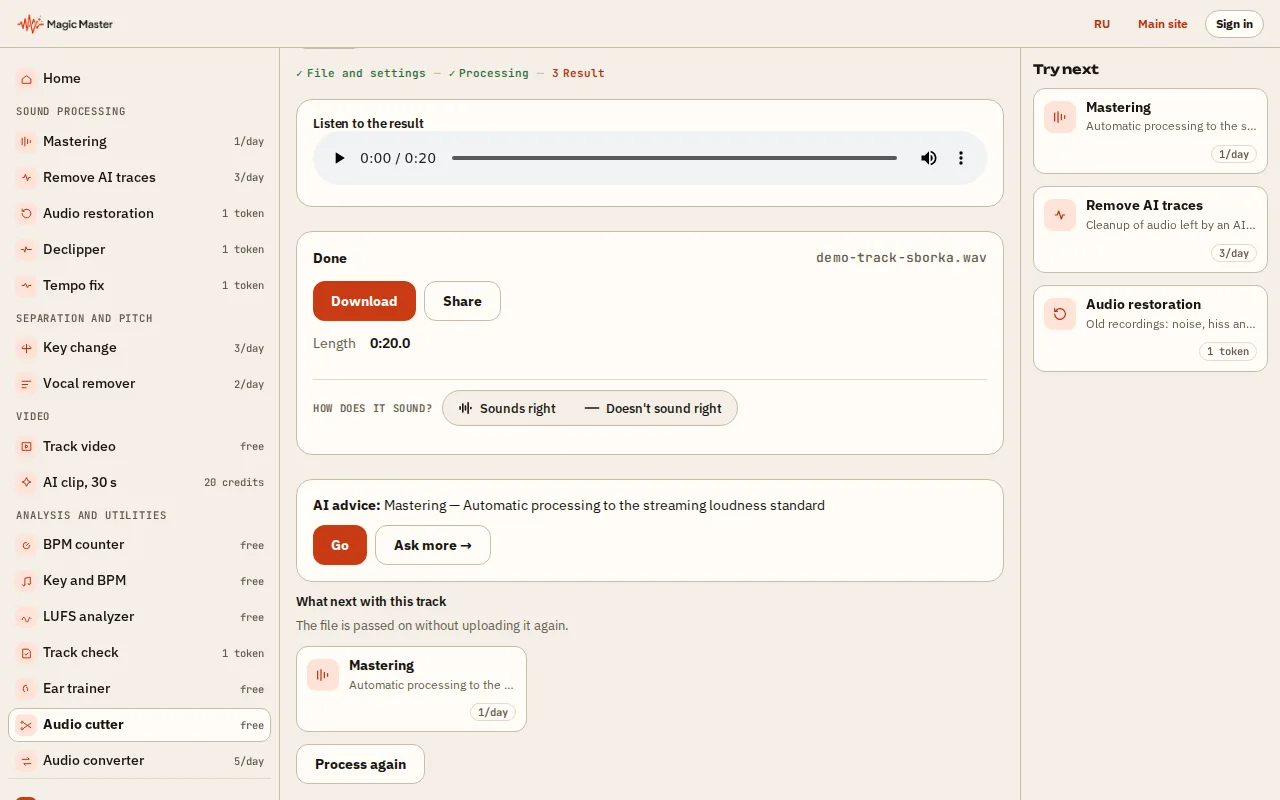
3. Press Download: the fragment is saved in the chosen format. 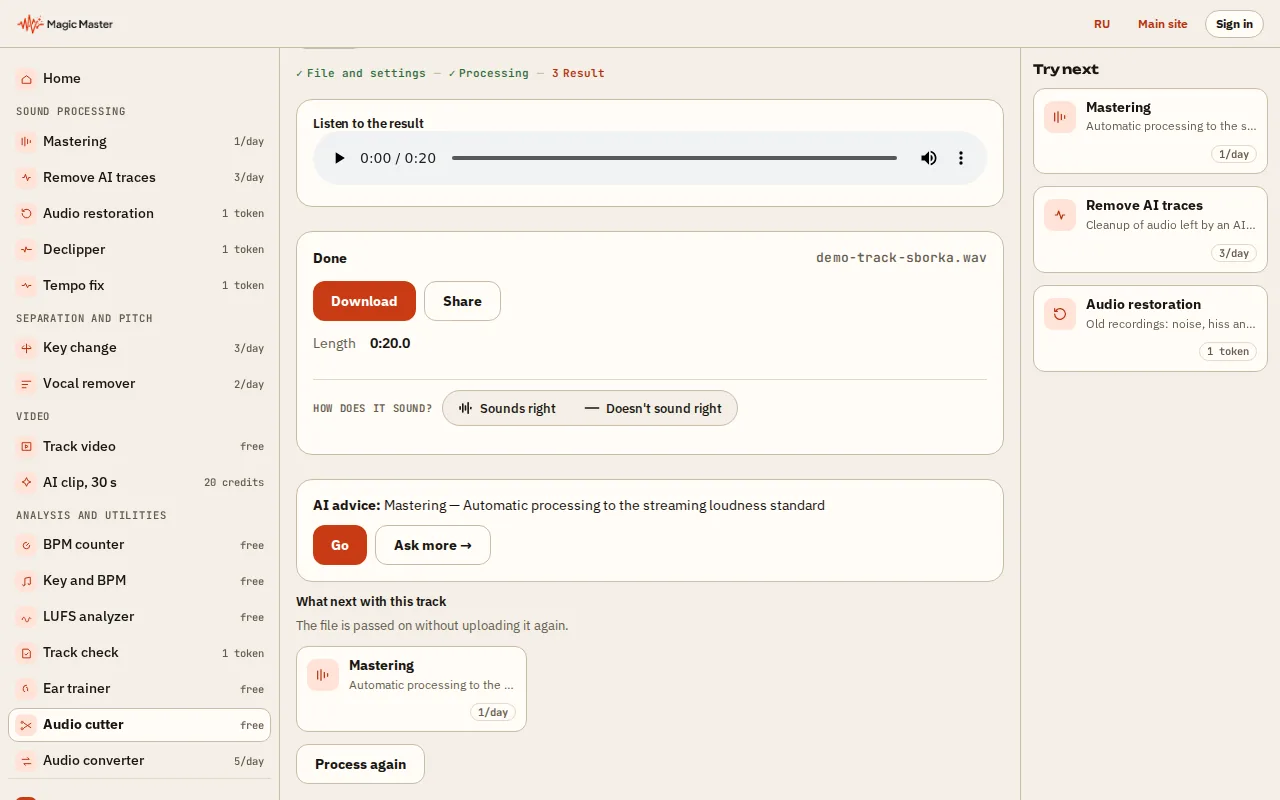
4. Send the fragment on: to mastering or the converter.


What you get: A song fragment with fade in and out, in the format you need.
Cut out a verse, a chorus or a 30-second hook for a reel, a video or a ringtone. Pick the start and the end, add a short fade if you want one, and download the piece. No install and no account.
🔒 WAV is cut in your browser. The file never leaves your device. An MP3 is converted on our server and is not stored.
How to cut a song online
Cutting is useful when you need one verse, the chorus or a short section of a track for a ringtone, a video or a story. Most people open a desktop editor for this. Here the browser is enough.
Drop in the file, move the start and the end handles, and press “Listen to the piece” to check the edges. The exact time in seconds is shown above each handle. A WAV download is cut and written in your browser; an MP3 download is converted on our server.
Which formats and limits apply
You can load WAV, MP3, FLAC, OGG and M4A files up to 100 MB, as long as your browser can decode them. The download is WAV, which has no limit, or MP3, where a daily limit applies. If you hit that limit, the WAV download still works.
Questions
Which formats can I cut online?
WAV, MP3, FLAC, OGG and M4A, as long as your browser can open them and the file is up to 100 MB. The result downloads as WAV or MP3.
Does my file go to a server?
Not for a WAV download: the cut and the fades are made in your browser and the file is not sent anywhere. An MP3 is converted on our server and is not stored.
How do I make a ringtone from a song?
Pick a piece of about 30 seconds, add a fade out at the end, and download MP3 or WAV. Then copy the file to your phone and set it as the ringtone.