

Convert audio online
How it works
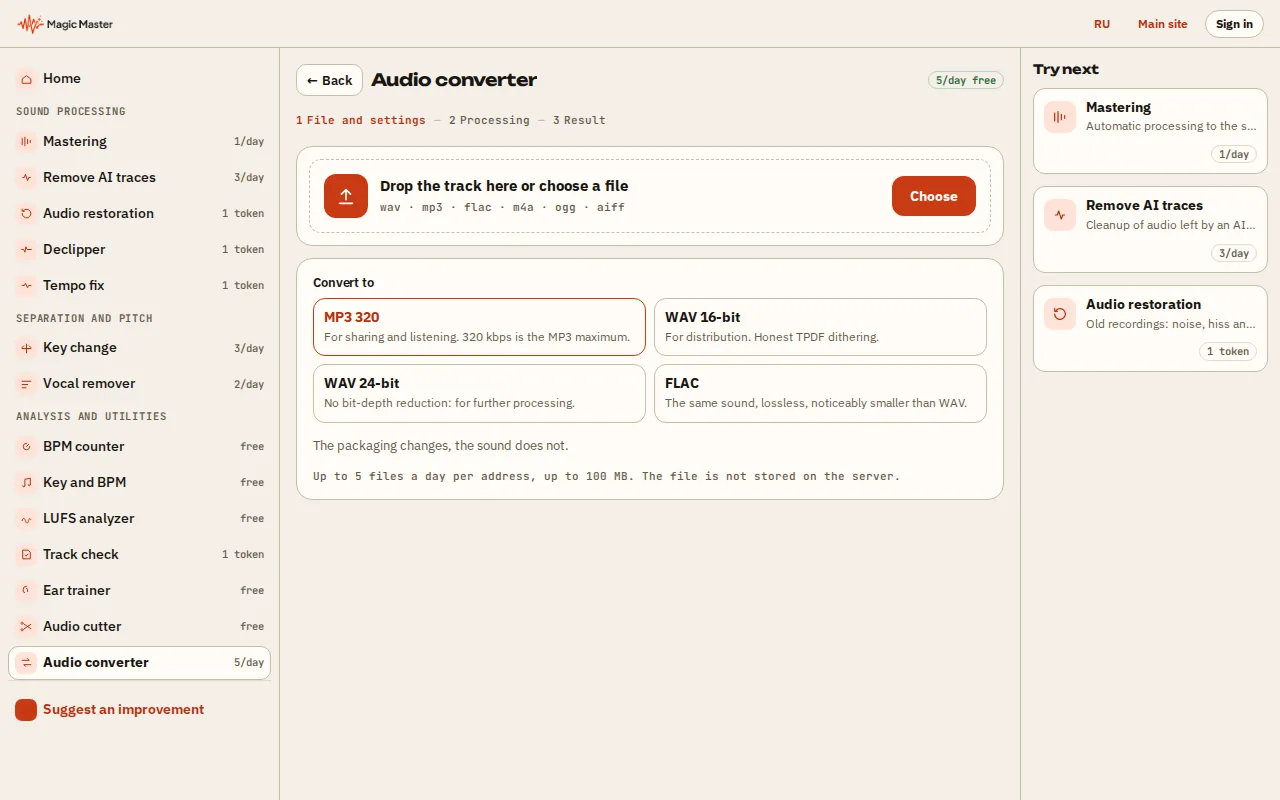
1. Choose an audio file: WAV, MP3, FLAC, AAC, OGG or M4A. 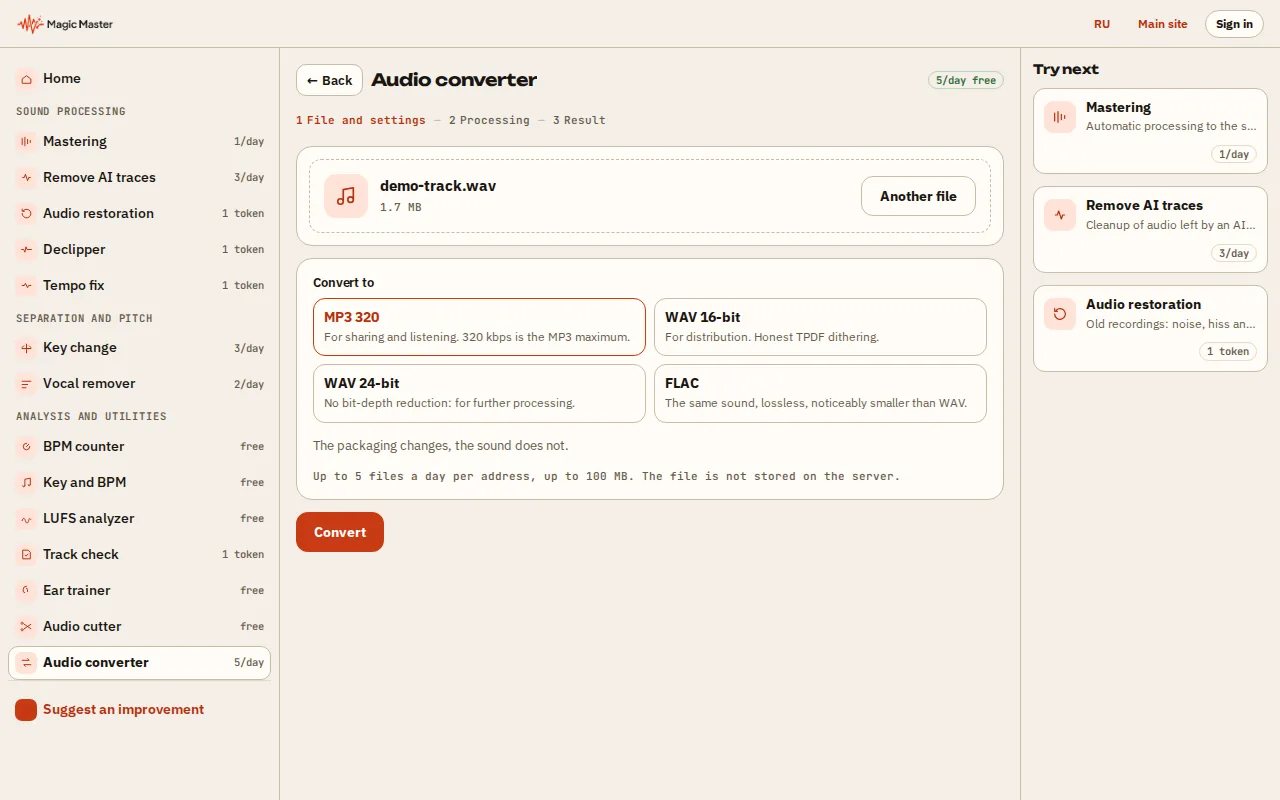
2. Choose the format, sample rate and bit depth; turn on dither for 16 bit. 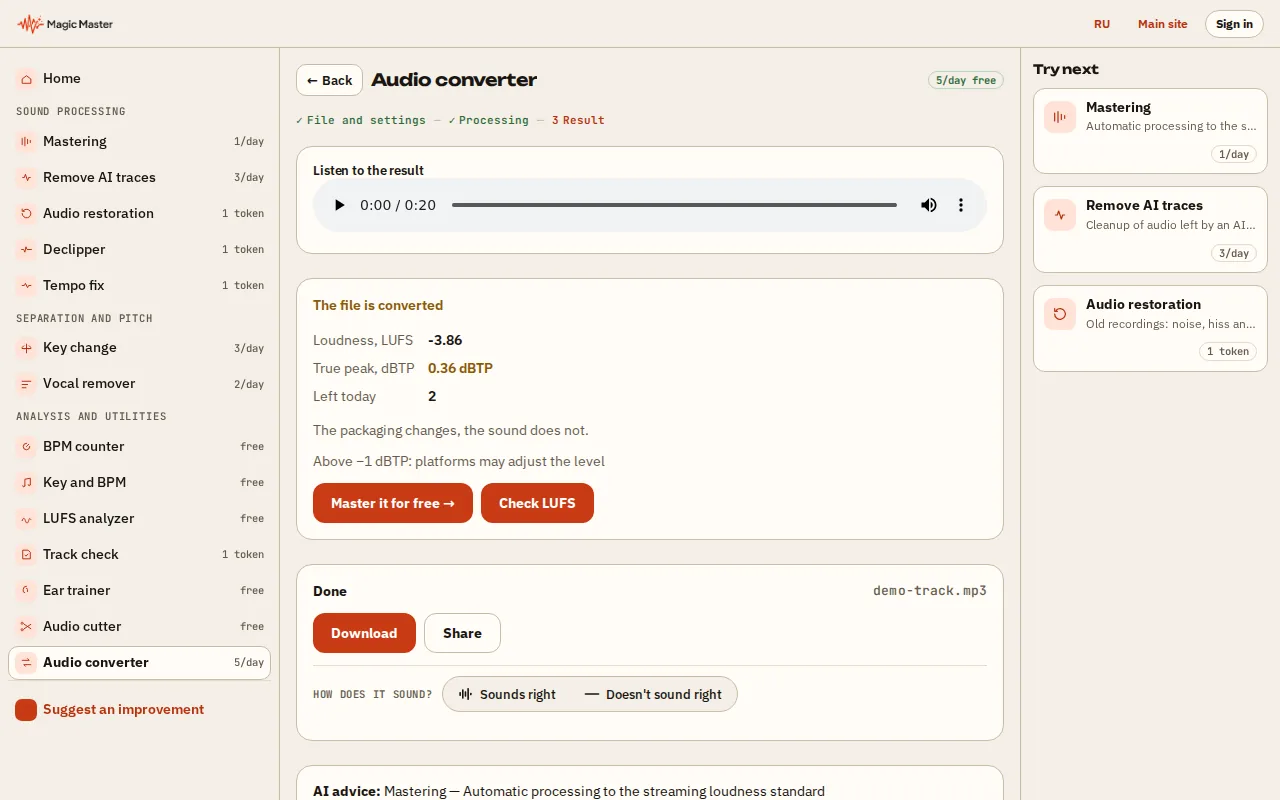
3. Press Convert and wait for the result. 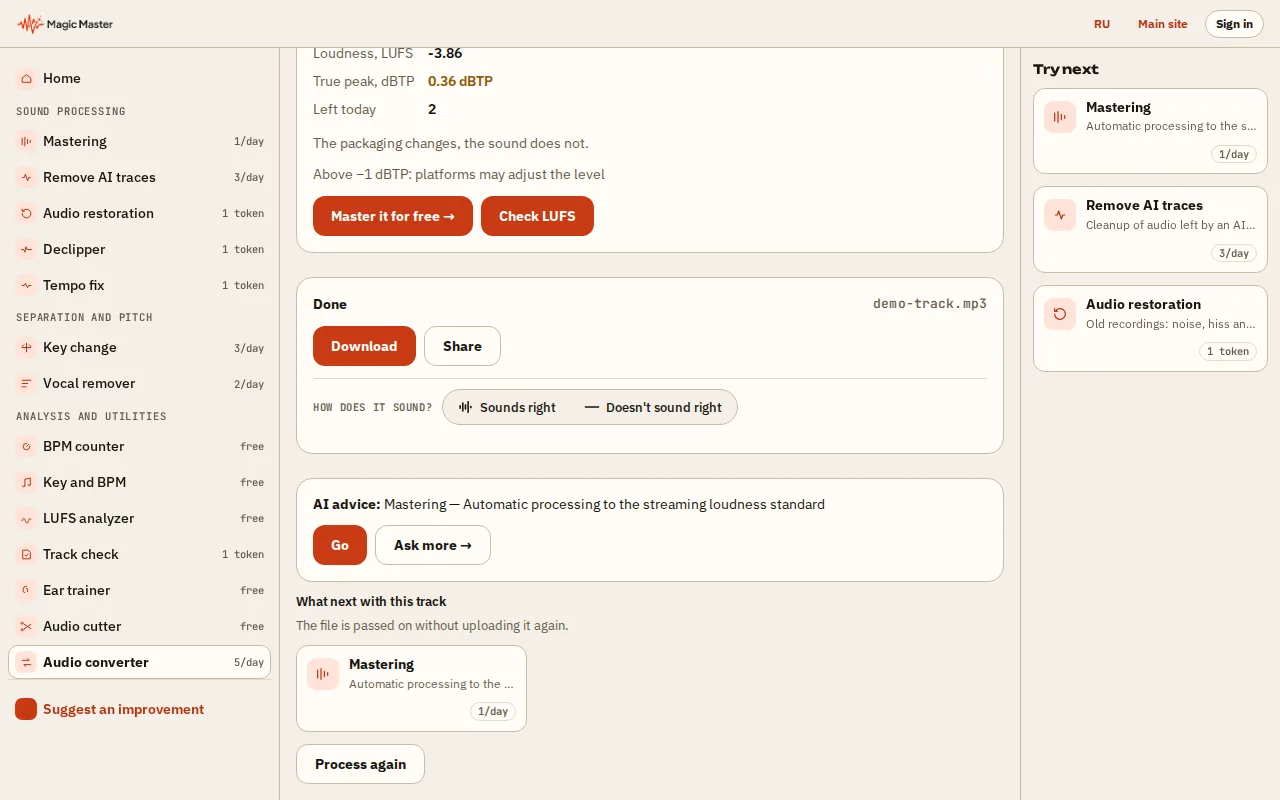
4. Download the file or send it to mastering.


What you get: A file in the format you need, with clean dither and loudness control.
Choose a file and a format. The converter writes the new file, keeps the sound as it is, and shows the loudness and the true peak of the result, so you can see what the export contains.
Done — the file is downloaded
How the conversion works
The file is converted on our server in one step and the result is returned to you as a download. The converter does not master the track: it does not change the style or the loudness target.
When the output is 16-bit WAV, the converter adds TPDF dither. Dither is a very low noise that hides the rounding error, so quiet passages keep their detail. The loudness (LUFS) and the true peak of the result are measured and shown after the conversion, so you can check the file before you upload it.
Which format to use
WAV 24-bit is the format for a DAW, a mastering session or a file you will convert again. WAV 16-bit is the format of a CD and of many distributors. MP3 320 is small and fine for sharing. FLAC is lossless and compressed, a good archive format.
An MP3 is lossy: converting an MP3 into WAV does not restore the lost detail, so keep the WAV source for the masters you still have to change.
Questions
Is the audio converter free?
Yes. There is a daily number of conversions for every visitor, and the number left is shown after each conversion.
Does the conversion change the loudness?
The converter is not a mastering step, so it does not set a loudness target. It measures the loudness and the true peak of the result, so you can compare it with the source. To set a target loudness, use the lab.
Which files can I upload?
WAV, MP3, FLAC, AAC, M4A and OGG files up to 100 MB.