

Remove clipping from a track
How it works
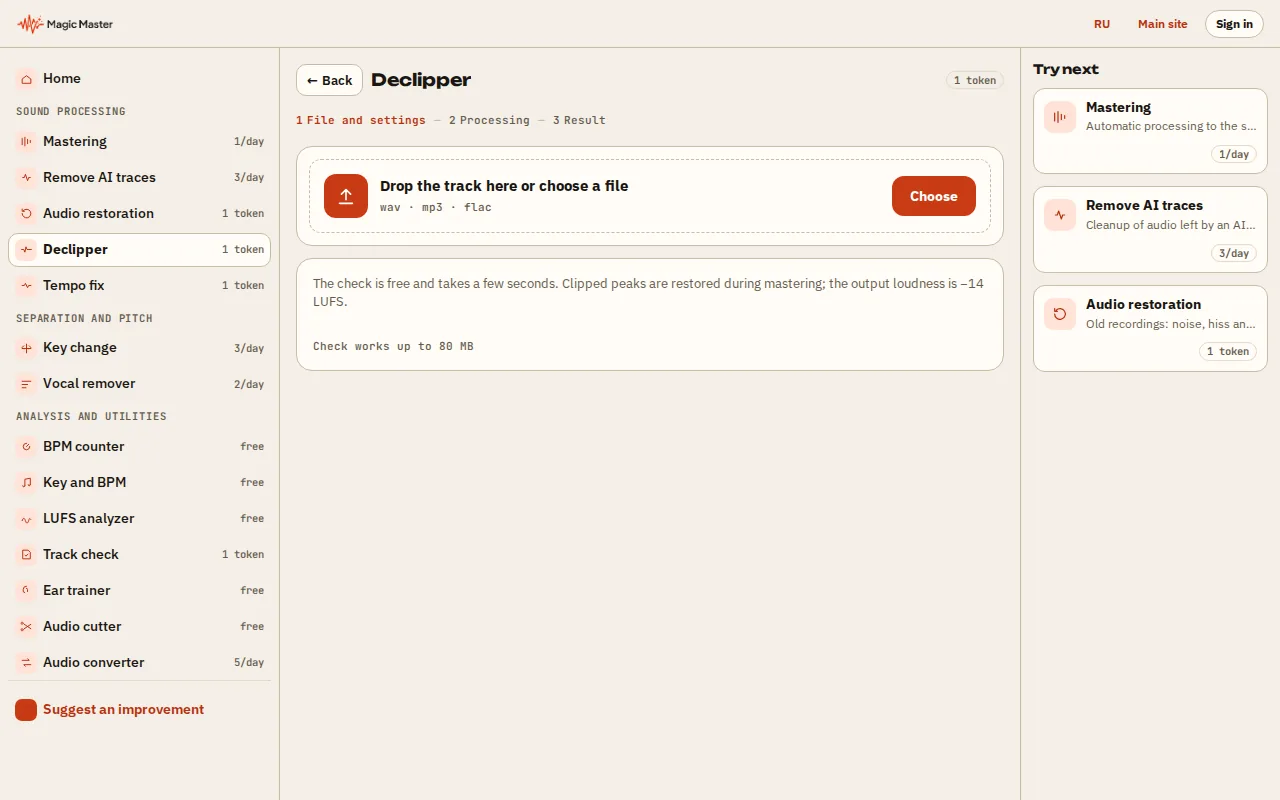
1. Choose a track: WAV, MP3, FLAC or M4A — drop it into the area or press Choose. 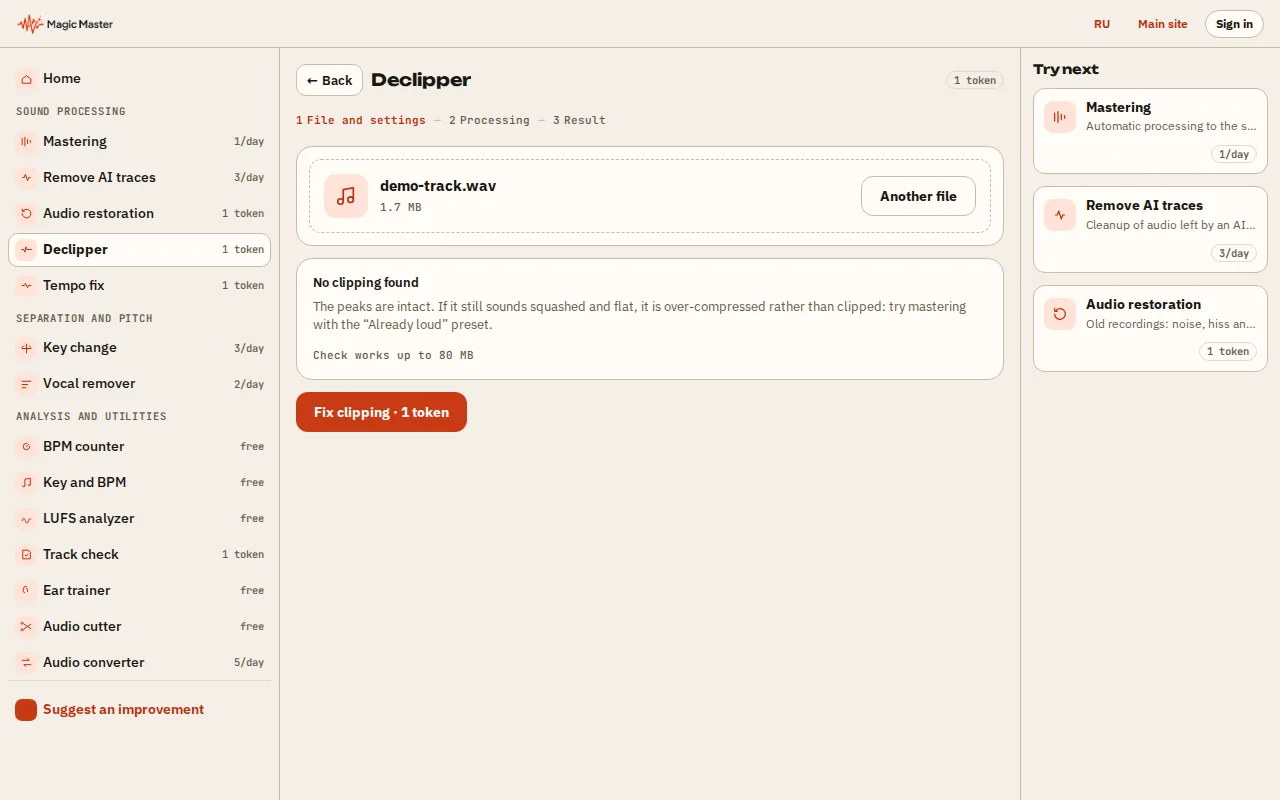
2. Check the settings and press Fix clipping. 3. Wait for processing: the ring and the stages show the progress. 4. Download the result or listen to it in the player. Then you can send the track on.


What you get: A track with restored waveform peaks and no clipped tops.
Clipping happens when a signal hits the digital ceiling and gets chopped flat. The tops of the waves turn into flat shelves: the sound turns harsh and drum hits lose their snap. Drop a track below to check it for free. The check tells you whether clipped peaks are there, how many spots there are and how much of the audio they cover.
How the check finds clipped peaks
A clean recording has only a few samples sitting at its highest level, with many more just below. Clipping stacks many samples at one flat value, the clip level. The check looks for that pile-up at the top of the signal, and it does not need the flat tops to sit exactly at 0 dBFS. That is why it can still find clipping after a file was turned down or saved as MP3 or M4A.
The result has three numbers. Clipped spots are the separate places where the waveform was flattened. The share of the audio is the part of the track those spots cover: a small share in a long track is usually a few hits, while a large share means whole loud sections are clipped. The clip level is the height in dBFS where the flat tops sit.
The check looks only for clipping. It does not judge the mix or the loudness.
What mastering does with clipped peaks
When clipping is found on the input, the lab rebuilds each short clipped peak from the sound on either side of it. The peak returns towards the shape it had before it was cut, and it never goes below the clip level. Long flat stretches are left alone, because rebuilding them risks clicks.
What it cannot do. Information that clipping has destroyed cannot be fully recovered. The restore brings back the shape of short clipped peaks and reduces the distortion they cause. It is not a time machine for crushed transients.
Who needs this
- AI-generated music (Suno, Udio). Exports often arrive already clipped. Without repair, the master inherits the harshness.
- Producers with a hot bounce. Peaks hit 0 dBFS when the mix is exported from the DAW.
- Anyone who hears crackle or harshness on hits. That is a typical sign of clipping on transients.
- Anyone about to release. Clipped peaks do not get better on the way to a streaming platform.
A track can also sound squashed without any clipping: heavy limiting makes it loud and flat with no flat tops. That is a different problem. See restore dynamics for it, and audio restoration for old recordings with hiss or hum.
Questions
What is clipping in an audio file?
Clipping is the flattening of a waveform's peaks when the level goes past the digital ceiling during recording or export. The sound becomes harsh, distortion appears and transients lose their shape.
Does the clipping check cost anything?
No. The check is free and needs no account. Paid credit packs are on sale on the pricing page.
Do I have to switch the de-clipper on?
No. When clipping is found on the input, the restore runs as part of mastering. A clean file passes through without change.
Which loudness should I use after restoring a clipped track?
Keep the target at -14 LUFS. A louder target can push the restored peaks into clipping again. See the LUFS checker for how loudness is measured.
Is my file kept after the check?
The check returns the numbers and does not store the file.
Read also: Restore dynamics · Audio restoration · True peak · LUFS checker · AI artifact cleanup
Fix the clipped peaks before you master?
Check the file above, or upload it to the lab. If clipping is there, the restore runs on its own.
Open the lab