

Remove AI artifacts from a Suno track
A generated song carries marks of the model that made it: faint tones above 15 kHz, small jumps where generated blocks meet, a row of fixed peaks in the spectrum. Echoteka finds and removes them, leaves loudness alone, and tells you plainly what that does and does not change.
We don't hide AI origin — we recommend disclosing it. Cleanup is about how the track sounds.
How it works
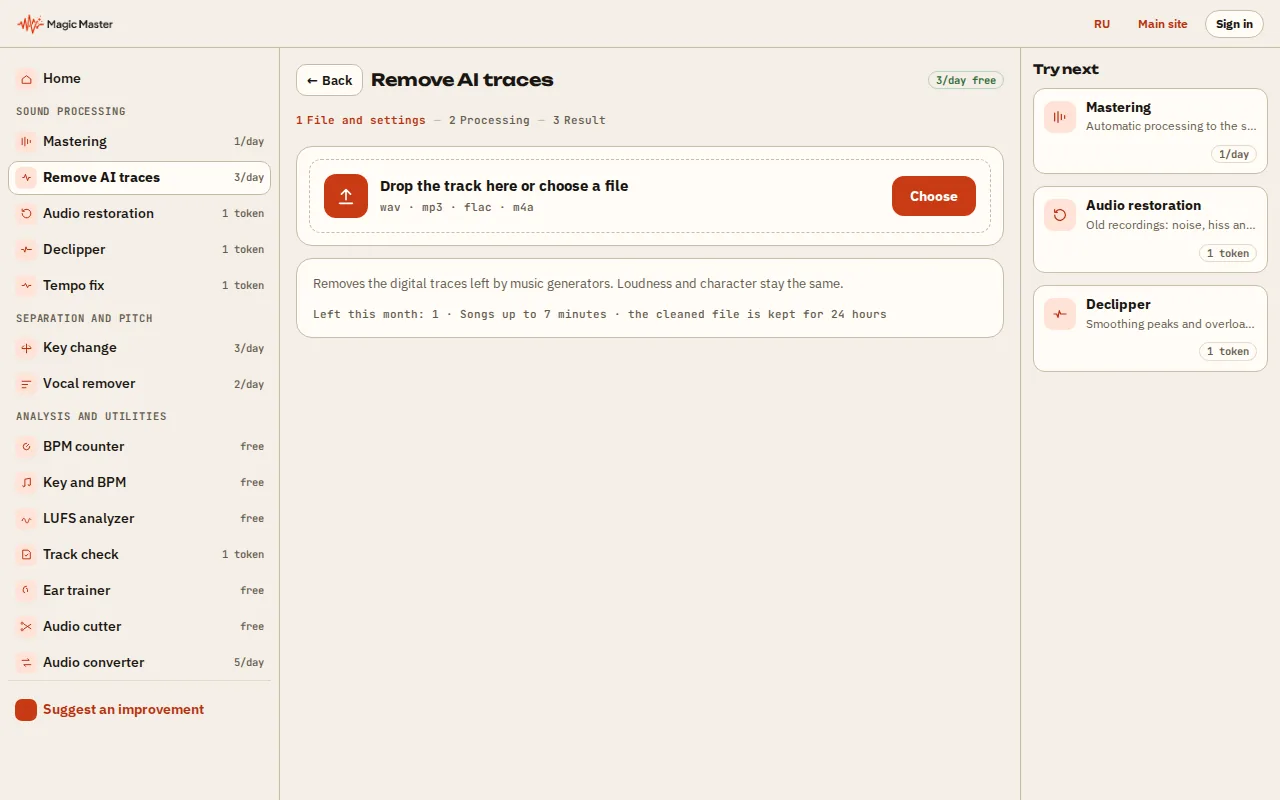
1. Choose a track made by a neural network (Suno, Udio and others). 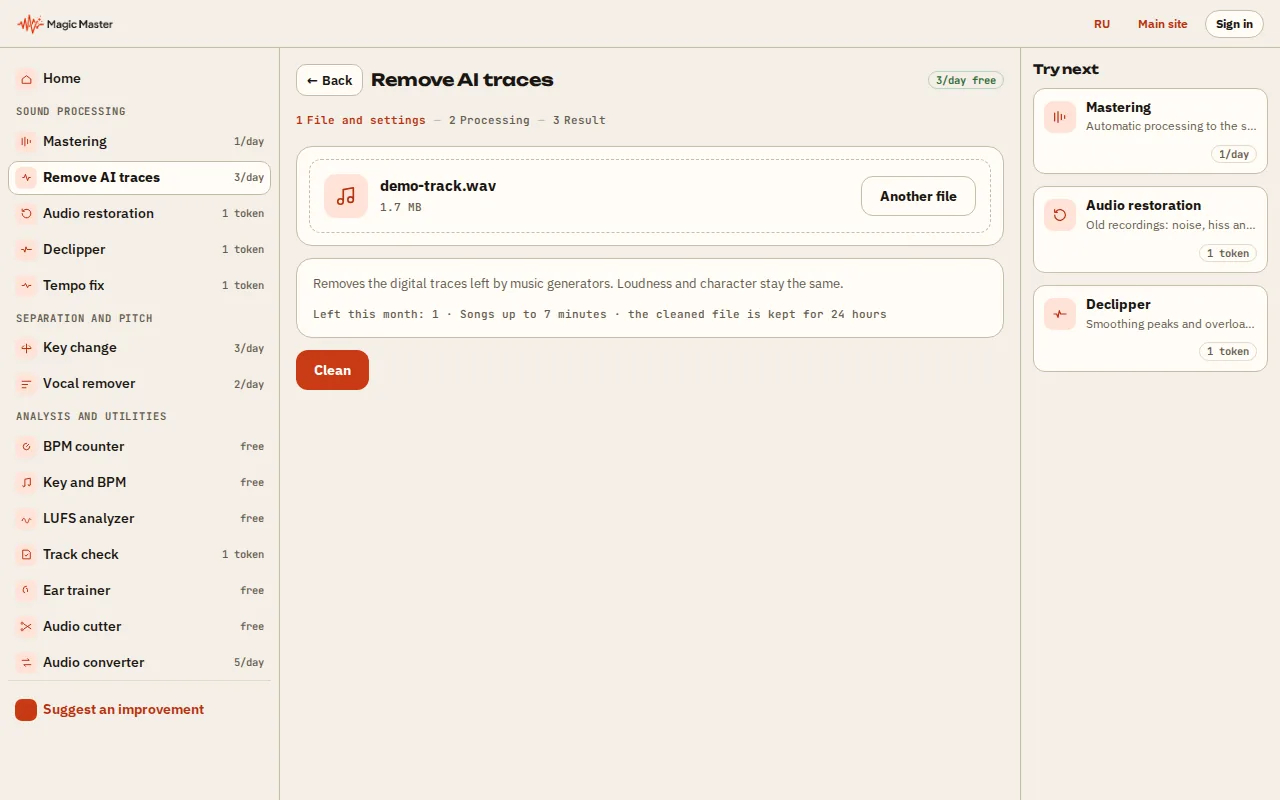
2. Pick the cleaning mode and press Process. 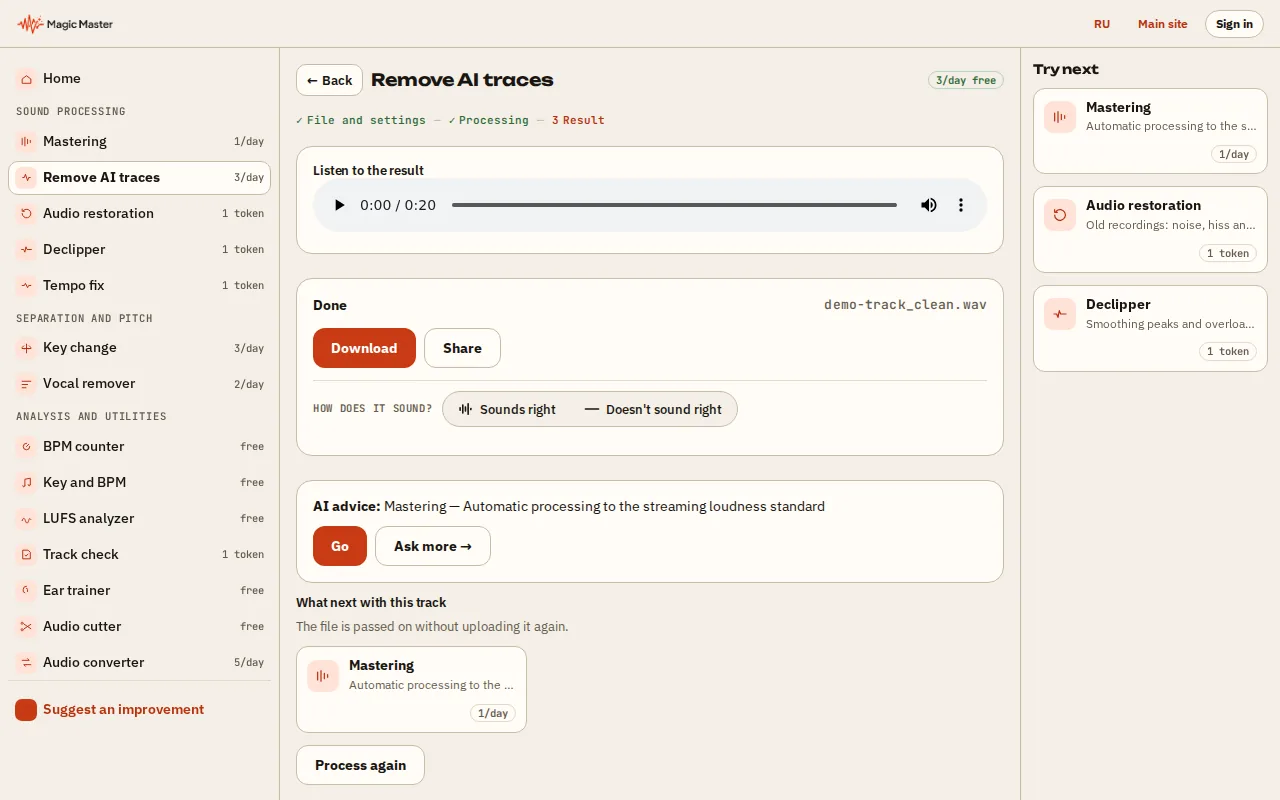
3. Wait for the cleaning and compare the sound before and after. 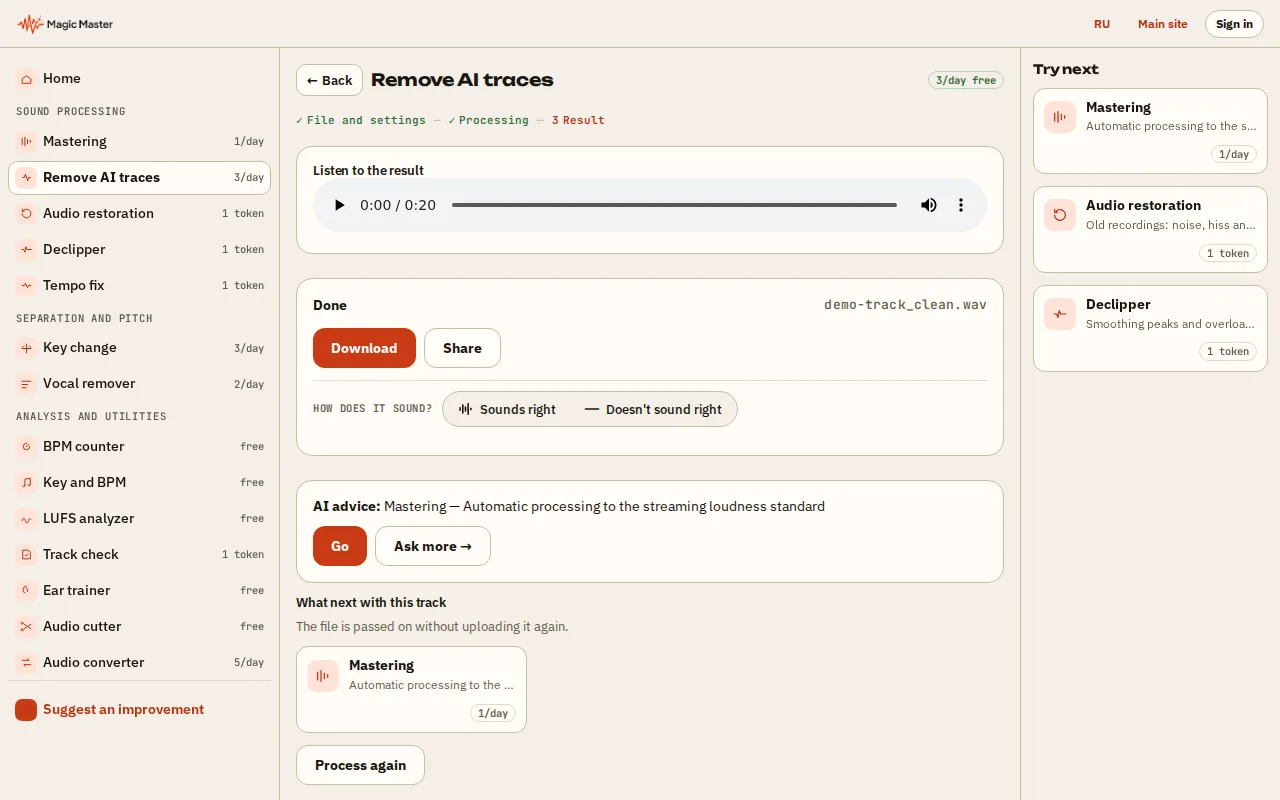
4. Download the file or send it to mastering.


What you get: A track without typical neural-network traces in the sound, ready for release.
Clean a track here
Upload a track and get a cleaned WAV. Loudness and character stay the same. No sign-up.
1 free run a day, then 1 credit per run. Resets at midnight UTC.
Today's free cleanups are used up. Resets at midnight UTC. Mastering is available without them.
WAV, MP3, FLAC, M4A, OGG · up to 200 MB · up to 7 minutes
Done. Listen to the cleaned track:
This is not an audio file. WAV, MP3, FLAC, M4A or OGG will do.
The file is over 200 MB.
No connection to the server. Please try again.
Could not clean the track.
The job was lost during a server update — please try again.
Left this month: {n}
What cleanup does, step by step
The first two steps and the pitch shift run only when the track shows those marks; the seam and level steps are light and always on. On a recorded song cleanup changes very little.
| What it looks for | What it does |
|---|---|
| Narrow tones above 15 kHz | Cuts each one out with a very narrow filter; you will not hear the gap |
| Marked top band | Only if marks were found: removes the band above about 15.5 kHz and puts back natural “air”, so the track does not turn dull |
| Seams between generated blocks | Smooths the small level jumps every half second; real drum hits and drops are detected and left untouched |
| Machine-even level | Adds a level movement of under 0.2 dB; the timing of notes is not changed |
| Fixed peaks in the spectrum | Shifts pitch by 5.5–8.5 cents, chosen per track; length stays exact, tempo sways by about 15 ms at most |
| Loudness and tone | Left as they are — mastering is a separate step |
What cleanup cannot do
- It does not change the generator’s sound. The metallic sheen and watery highs that come from the model itself stay; re-generating or a different prompt fixes those, not post-processing.
- It does not fix slurred words, odd harmony or arrangement. Those are decisions of the model.
- It does not change where the track came from. Detectors that judge timbre still recognise AI music. If a platform asks you to disclose AI use, disclose it.
From Suno to release: the order that works
- Download the best file your generator gives — WAV rather than MP3.
- Check it with the free LUFS meter: loudness, true peak and loudness range.
- Clean it: in the lab choose “Clean AI artifacts”.
- Master the cleaned file for Spotify, YouTube or Apple Music — see Suno mastering and loudness targets.
Why this order: mastering raises everything, marks included. Cleaning first means the limiter works on the music, not on the generator’s leftovers. Our measurement of 248 Suno exports found most are already near streaming loudness, so the master is usually a light touch.
For the numbers behind the cleanup, read AI fingerprint cleanup, before and after: how to check a Suno track yourself, or the 2,230-track measurement.
Is this an AI fingerprint remover?
Partly, and we would rather say exactly how. Cleanup removes the marks a generator leaves in the audio itself: narrow tones above 15 kHz, energy jumps at block seams, and fixed spectral peaks. It does not change where the track came from. Detectors that judge timbre and structure still recognise AI music after any processing, ours included. If a platform or distributor asks you to disclose AI use, disclose it.
Will my track still be detected as AI?
We do not promise otherwise, and we do not measure any detector. Cleanup is not built to get past detection: it changes the audible marks in the file and leaves loudness and tone alone. Deezer and other services label AI music for listeners, and that is a rule to follow, not a filter to get around.
Does cleanup change the pitch of my song?
Only when the spectrum shows a row of fixed-frequency peaks, and then by 5.5 to 8.5 cents — less than a tenth of a semitone. Most people cannot hear it on its own; side by side with the original, a trained ear may. Length stays the same to the sample.
Does cleanup also master the track?
No. Cleanup leaves loudness and tone as they are. To release the track, master the cleaned file afterwards as a second run.
Is it free?
Yes, within a daily limit. Without an account you get one free run a day — a cleanup or a master. With credits on your account, the first cleanup each day is free; each further one costs 1 credit.
Should I clean a home recording or a live band?
No need. A recorded track has no generator marks, so cleanup would find almost nothing to remove. Use regular mastering.